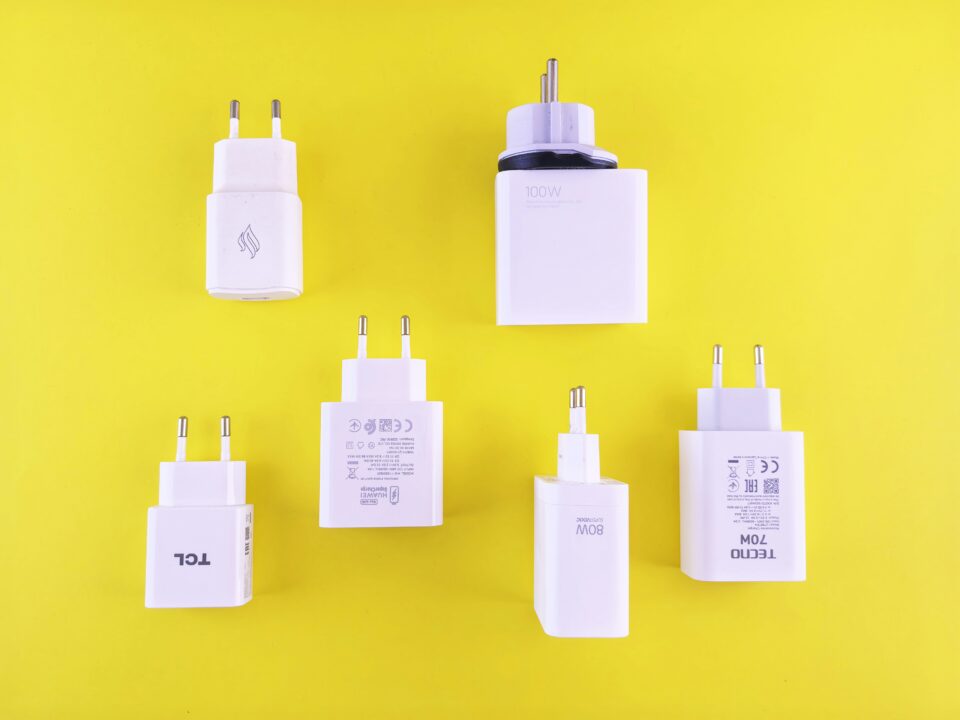
A multiport charger can power a MacBook, phone, tablet, or earbuds from one outlet. This is valuable in older homes, cafés, hotel rooms, and shared workspaces where sockets are scarce. It can also simplify a local business counter or family charging station.
The headline total output is not always available to one port, and the highest single-port output may change when another device is connected. For example, the Anker Prime Charger (160W, 3 Ports, Smart Display) has three USB-C ports and supports up to 140W PD 3.1 charging on a single port. Its three ports also let users charge a MacBook alongside two other devices, such as an iPhone and an iPad, from one outlet.
GaN technology and portability
Gallium nitride power components enable compact high-output designs by operating efficiently at high switching frequencies. For users, the practical benefit is a smaller charger relative to many older power bricks. That matters when a charger moves between a neighborhood office, client site, library, and home. Compact chargers can still become warm. Heat under sustained high load is not automatically a fault, but the adapter needs ventilation and a secure outlet. Do not cover it with papers, fabric, or a bag.
Home offices and small businesses
At a permanent desk, reliability and cable management matter more than minimum size. A multiport desktop charger can keep the MacBook connected while powering a phone used for authentication and a headset used for calls. Position the charger where heat can escape, and cables do not cross walking paths. Small businesses should standardize chargers only after confirming compatibility with every deployed MacBook. Record the model, output, cable rating, and purchase source.
Travel and international use
Before traveling, read the input-voltage range on the charger. Many modern USB-C adapters accept common international voltages, but a plug adapter only changes the physical shape; it does not convert voltage. The charger must explicitly support the local supply.
Pack the charger and high-power cable together. Folding prongs, compact size, and several ports can reduce luggage. Do not place the adapter where metal objects can bend its prongs. At airports, keep the laptop within sight and avoid relying on unknown public USB ports when a trusted wall charger is available.
Troubleshooting slow or intermittent charging
Begin by checking macOS battery status and the charger information reported by the system. Confirm that the correct high-power port is in use and disconnect other devices from a multiport adapter. Test a known-good cable rated for the required wattage.
Inspect the MacBook port and cable ends for debris or damage. Restart the computer and install Apple updates through official channels. If the system charges while asleep but drains during heavy use, the adapter may be underpowered for the workload.
Avoid counterfeit and poorly documented products
A low price is not a complete specification. Look for an accountable manufacturer, clear output profiles, market-appropriate certification information, a warranty, and accessible support. Counterfeit adapters may imitate a case while omitting protective design and accurate ratings.