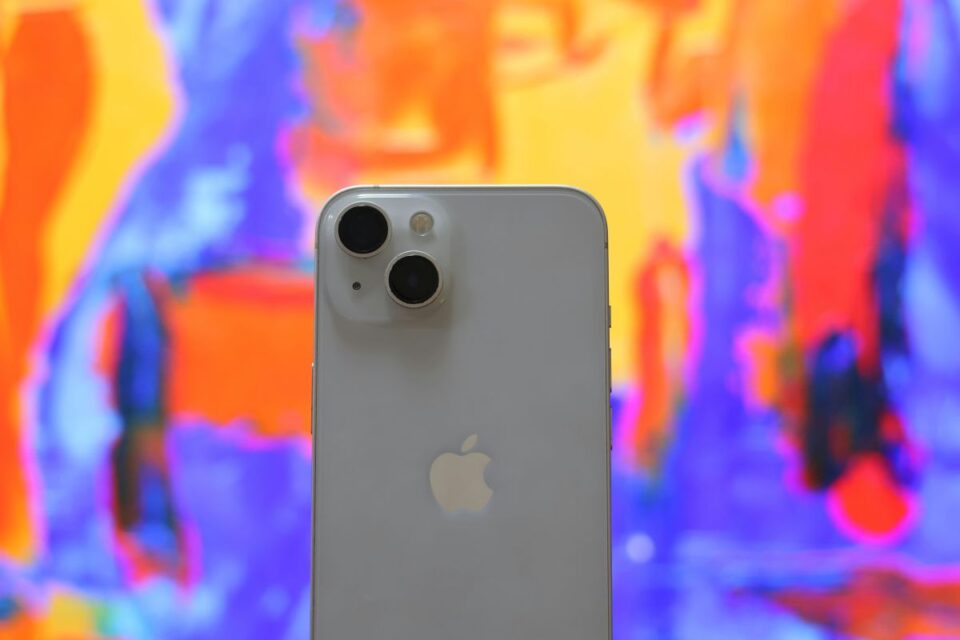
If you bought an iPhone 14 in the United States, you already own a SIM-free phone. In the US, every iPhone 14 model is eSIM-only, with no physical SIM tray at all. That change caught a lot of people off guard. The good news is that an eSIM is faster, more flexible, and built for travel. This guide explains exactly how it works and how to set yours up.
What an eSIM actually is
An eSIM is a digital SIM built into your phone. The name stands for “embedded SIM.” Instead of sliding a plastic card into a tray, you download a carrier profile directly onto the chip. That profile holds your phone number, your plan, and your network credentials.
Because the whole process happens in software, there is no card to lose, snap, or mail. You activate service by scanning a QR code or tapping through an app. On the iPhone 14, this is the only way to connect in the US.
How eSIM works on iPhone 14, step by step
Apple made activation simple. Most new lines set themselves up during the phone’s first boot. If you need to add a line later, the menus are easy to find.
- Open Settings, then tap Cellular (or Mobile Service).
- Tap Add eSIM or Add Cellular Plan.
- Choose Use QR Code, or convert an existing line if your carrier supports it.
- Scan the QR code from your carrier or travel provider.
- Label the line, pick your default number, and confirm.
Activation usually takes two to three minutes. Once the profile downloads, the signal bars appear and you are live. No store visit, no waiting for a card in the mail.
Dual SIM: Running two numbers at once
The iPhone 14 is a Dual SIM device, and this is where it gets useful. You can store multiple eSIM profiles and keep two active at the same time. Many users run a work number and a personal number on one phone.
The storage limit is generous. An iPhone 14 can hold up to eight eSIM profiles, with two in use simultaneously. You set which line handles calls, which handles texts, and which carries your mobile data. Switching between them takes a few taps.
Why eSIM is a travel advantage
This is the part that wins people over. With a spare eSIM slot free, you can add a local or regional data plan the moment you land abroad. Your home number stays active for calls and texts. Your travel line handles the data.
That setup kills roaming fees, which remain one of the ugliest surprises on any trip. You buy a plan before you leave, scan the code, and arrive connected. No hunting for a kiosk in an unfamiliar airport. These are the kinds of smart travel gadgets and tricks that quietly make a trip easier.
For international trips, I lean toward a dedicated travel eSIM rather than a carrier roaming pass. Providers like Holafly sell country and regional data plans you can install before departure, so your iPhone 14 is ready before the plane even lands. Keep your home line for banking codes and calls, and let the travel plan do the heavy lifting.
Models that work differently
Not every iPhone 14 behaves like the US version. Where you bought the phone matters.
- US models: eSIM only, no physical tray.
- Europe, UK, and Canada models: support both a nano-SIM and an eSIM.
- Mainland China models: use dual nano-SIM cards and do not support eSIM.
This only matters if you bought your phone overseas or plan to resell it internationally. For almost every American buyer, the eSIM-only setup is the one you have.